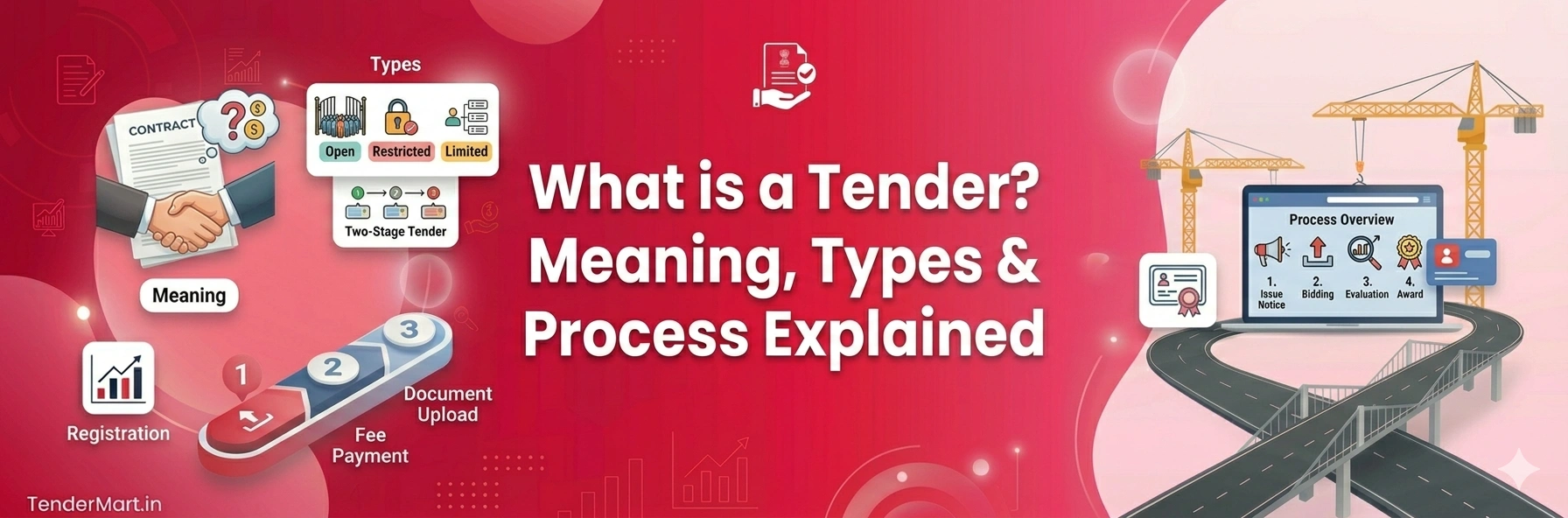
What is a Tender? Tender Meaning, Types & Process Explained
Complete Beginner’s Guide to Tenders
Understand Tender Meaning, Types, Process & How Government Tenders Work in India
If you are new to government contracts or business bidding, you may have heard the word “tender” many times.
But many people still ask:
👉 What is a tender?
👉 What is the tender meaning?
👉 How does the tender process work?
In simple words, a tender is an official invitation issued by a government department or private company asking businesses or contractors to submit quotations for a project, service, or supply work.
This guide explains the complete tender meaning, different types of tenders, and the step-by-step tender process in simple language.
📌 What is a Tender?
A tender is a formal process where organizations invite companies, contractors, or suppliers to bid for a project or contract.
The organization releasing the tender compares:
Pricing
Experience
Technical qualifications
Project capability
After evaluation, the contract is awarded to the most suitable bidder.
👉 Tender meaning in simple words: A competitive process to select the best company for a project or service.
⭐ Why are Tenders Important?
Tenders help ensure fairness, transparency, and competition in business contracts.
Government departments and private companies use tenders to:
Get the best pricing
Select qualified contractors
Maintain transparent procurement
Reduce corruption and favoritism
Complete projects efficiently
📂 Types of Tenders
1. Open Tender
Any eligible contractor or company can participate in an open tender.
👉 Most government tenders in India are open tenders.
2. Limited Tender
Only selected or invited contractors can participate.
3. Single Tender
The contract is offered directly to one company under special conditions.
4. E-Tender
The complete tender process happens online through government or private tender portals.
5. Global Tender
International companies are allowed to participate in the bidding process.
📝 Tender Process Explained Step by Step
Tender Notice Published
Government departments or companies release a tender notice online or offline.