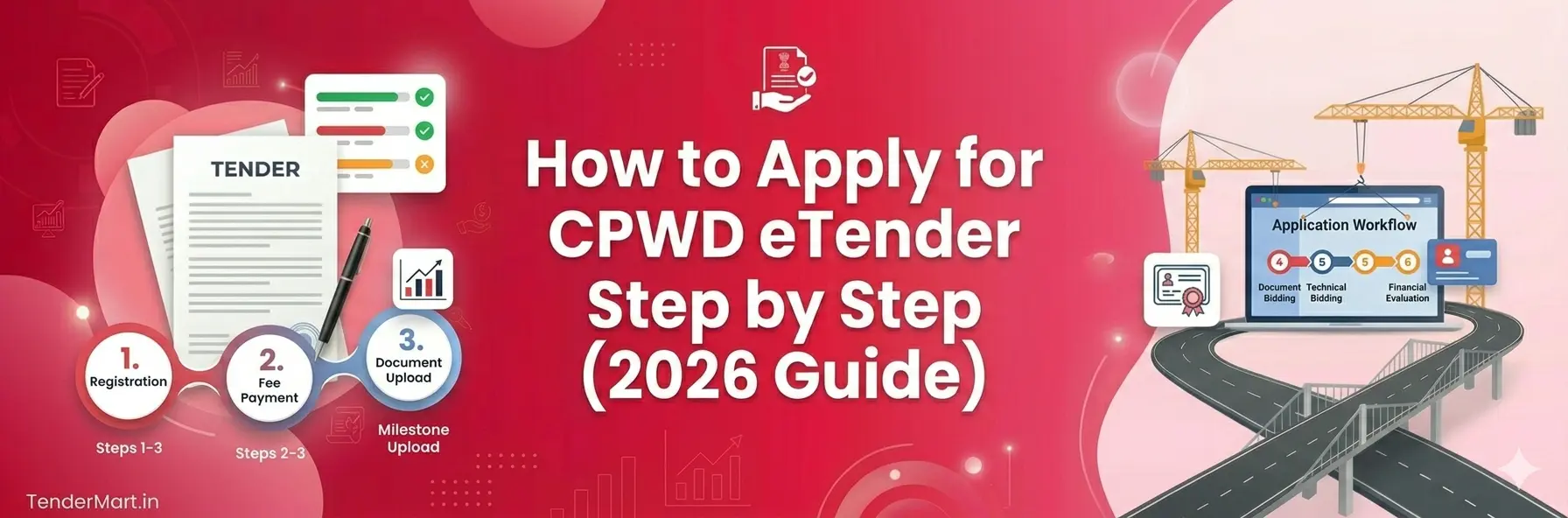
How to Apply for CPWD eTender Step by Step (2026 Guide)
Complete CPWD eTender Application Guide
Step-by-Step Process for Contractors, MSMEs & Construction Companies
Applying for a CPWD e tender can look complicated for first-time contractors, but once you understand the process, it becomes much easier.
Whether you are a civil contractor, builder, MSME, or construction company, this guide explains the complete CPWD eTender process step by step.
👉 In this guide, you will learn:
How to apply for CPWD eTender online
Required documents
Registration process
Bid submission steps
Common mistakes to avoid
🏢 What is CPWD eTender?
Central Public Works Department releases government tenders online through the e-tendering system.
Instead of offline paperwork, contractors now submit bids digitally.
The CPWD eTender system helps contractors:
Apply for government projects online
Submit technical and financial bids
Track tender updates
Download BOQ and tender documents
👉 Most CPWD tenders are managed through the Central Public Procurement Portal (CPPP).
📝 Step-by-Step Process to Apply for CPWD eTender
Get a Digital Signature Certificate (DSC)
Before applying for any CPWD e tender, you must have a valid Class 3 DSC.
It is required for secure login, verification, and digital signing.
Register on the CPP Portal
Create your contractor account using your mobile number, email ID, PAN, GST, and business details.
Complete Contractor Profile
Add company details, experience, bank information, technical qualifications, and business type carefully.
Upload Required Documents
Upload all scanned business, financial, and technical documents in proper format.
Search for CPWD e Tenders
Search tenders using keywords like CPWD civil tender, electrical tender, or maintenance work.
👉 Small contractors and MSMEs can now participate more easily.
📢 Final Thoughts
The CPWD e tender process may seem technical initially, but with proper preparation, contractors can participate successfully in government projects across India.
To get started:
Obtain DSC
Register on tender portal
Upload documents
Search suitable tenders
Submit technical and financial bids carefully
Government infrastructure projects continue to grow rapidly, making CPWD tenders a valuable business opportunity for contractors and construction companies.
❓ FAQs on CPWD eTender
You need DSC registration, portal registration, document upload, and online bid submission.
Yes, Class 3 DSC is compulsory.
Yes, MSMEs can participate and may receive benefits like EMD exemption.
BOQ stands for Bill of Quantity, where contractors submit pricing details.
Latest tenders are available on government e-procurement portals and tender platforms.